Guide to Adding Customer Accounts and Users in Zentrova Trust Portal
Link to the full training Loom video
https://loom.com/share/d62a7369d6f94a4dbefb1638b764857b
Step 1: Log into Admin Console 0:00

Access the Zentrova admin console.
Navigate to the 'Customer Accounts' section.
Step 2: Add a New Customer Account 0:10
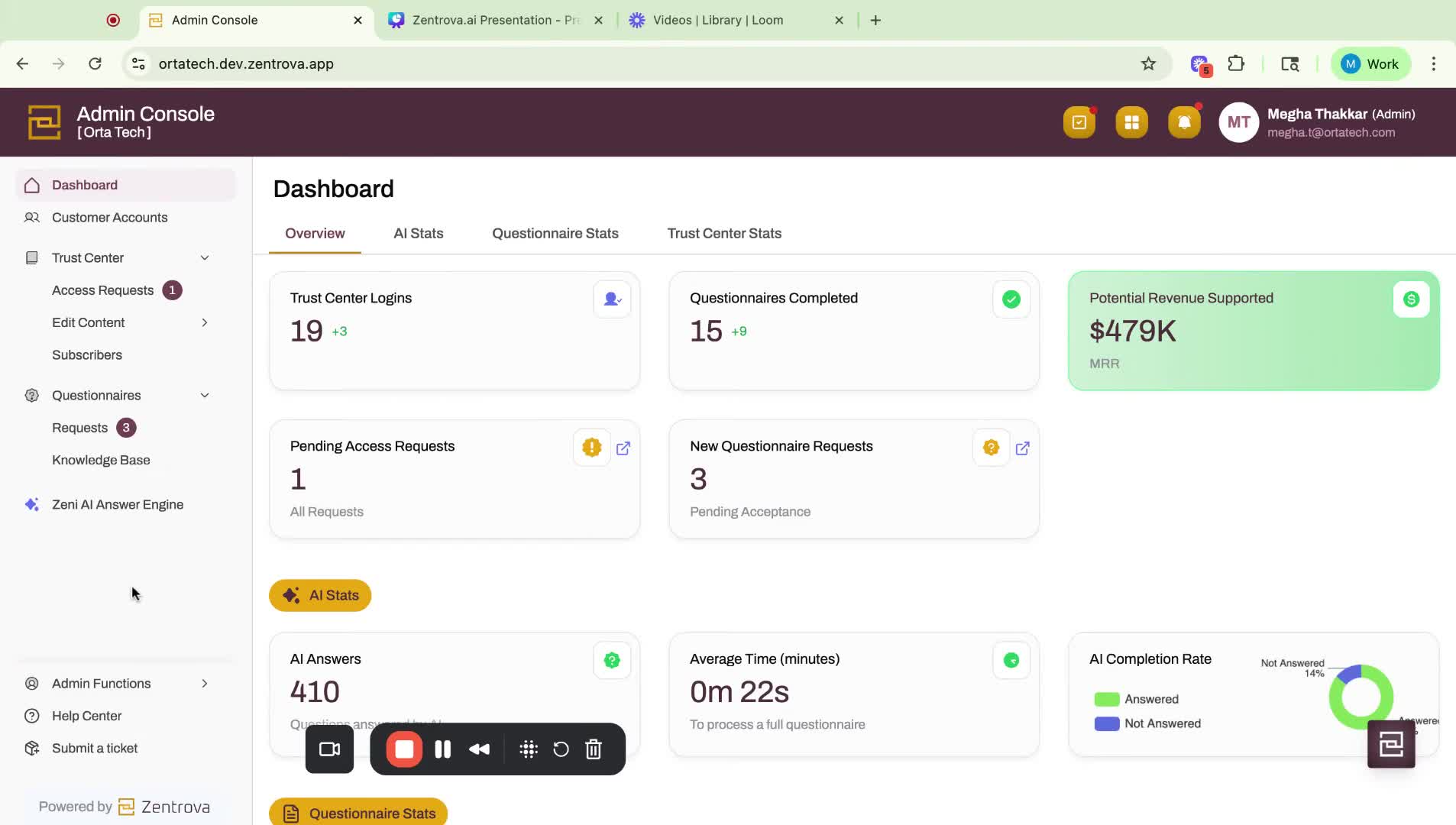
Click on 'Add Customer Account'.
If using Salesforce integration, some fields will auto-populate.
Step 3: Enter Customer Details 0:28
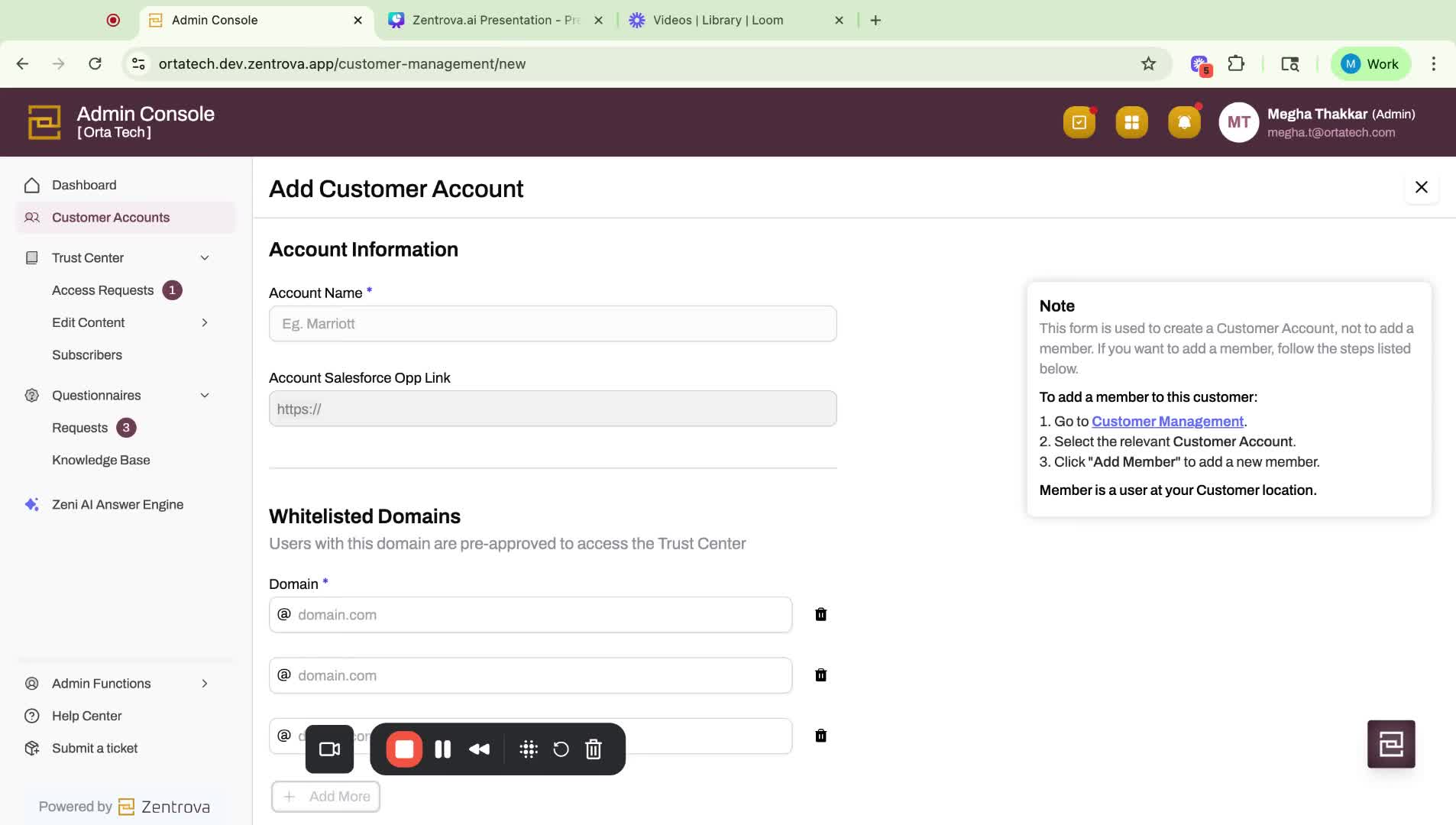
Input the customer name.
Specify the domain(s) allowed to log in (up to three domains).
Step 4: Confirm Authorization 0:53
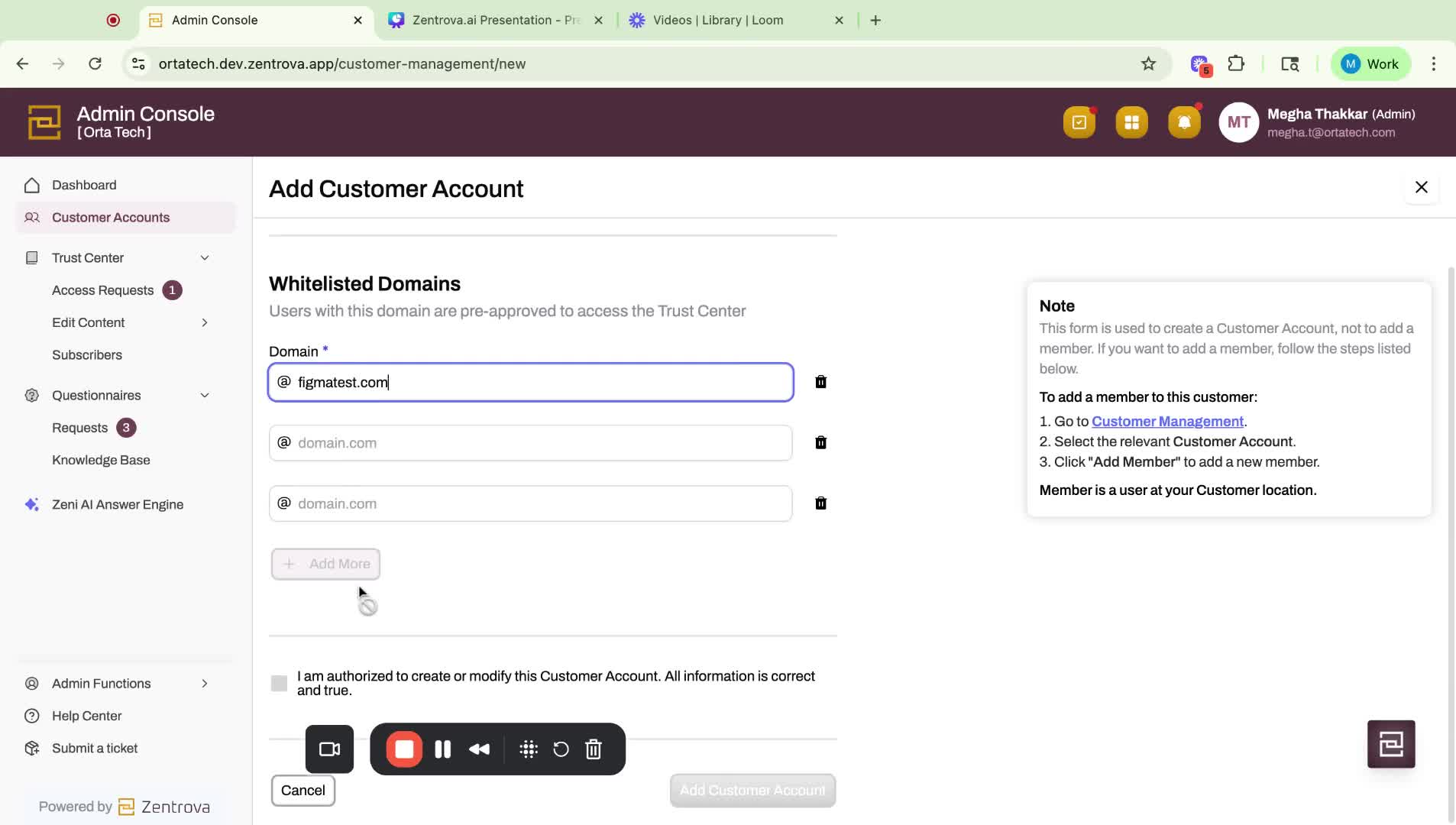
Acknowledge that you are authorized to create this account.
Click 'Add customer account' to finalize the setup.
Step 5: Invite Users to Customer Account 1:11
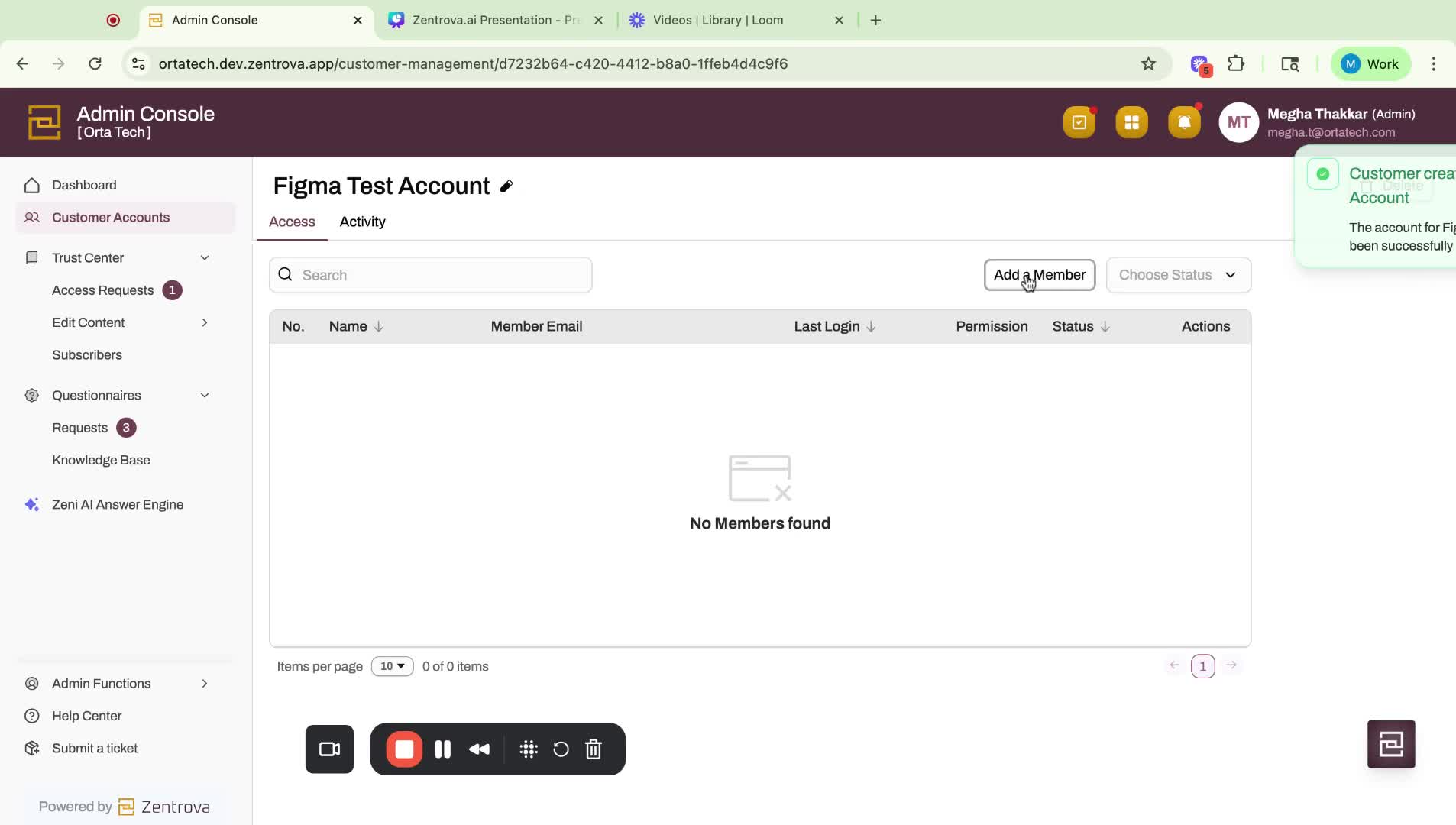
Select the customer account (e.g., Figma test account).
Click 'Add Member' to invite users.
Step 6: Add Member Details 1:21
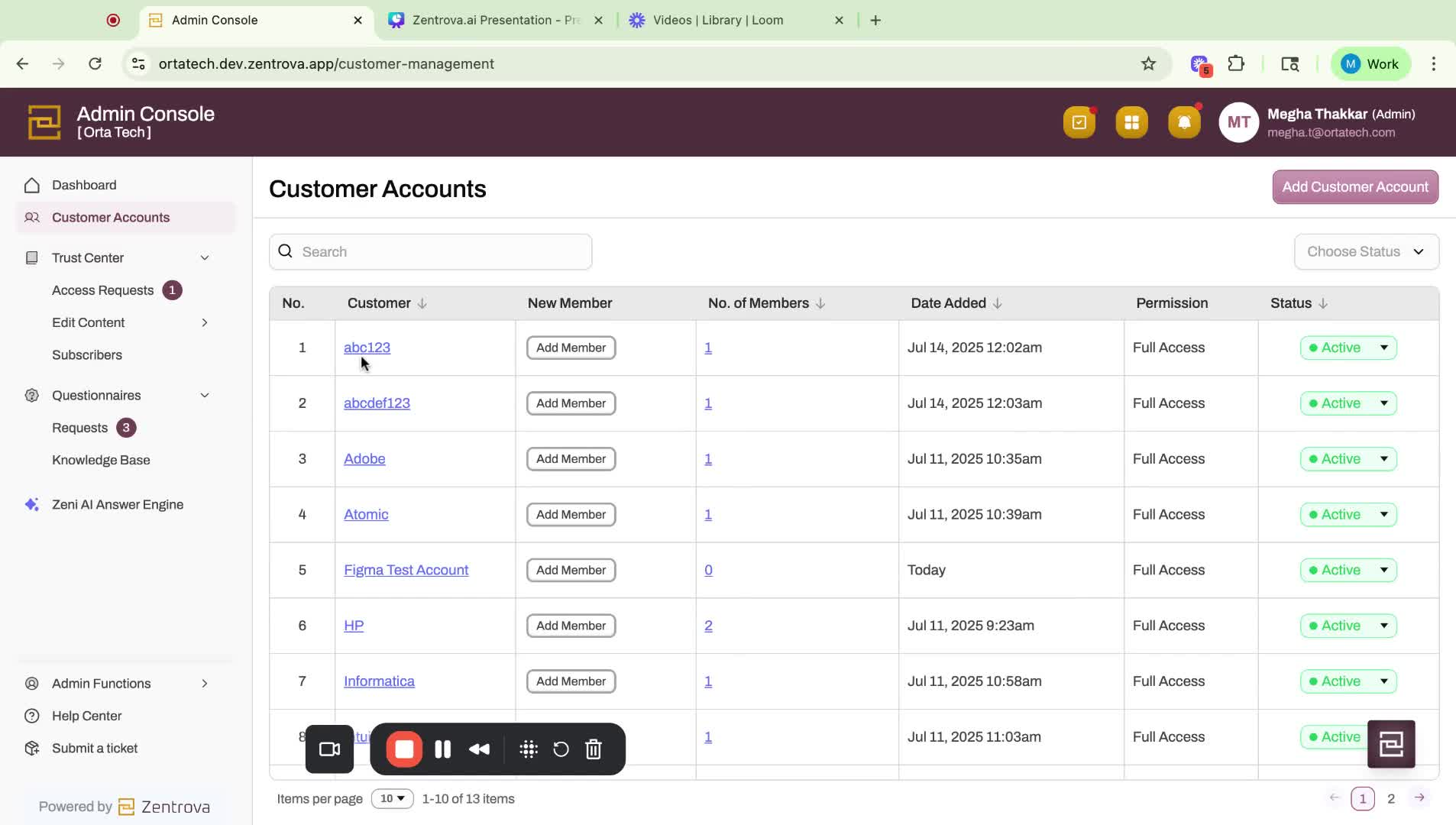
Enter the details for the customer user.
Ensure the domain is whitelisted to avoid errors.
Step 7: Handle Errors 1:39
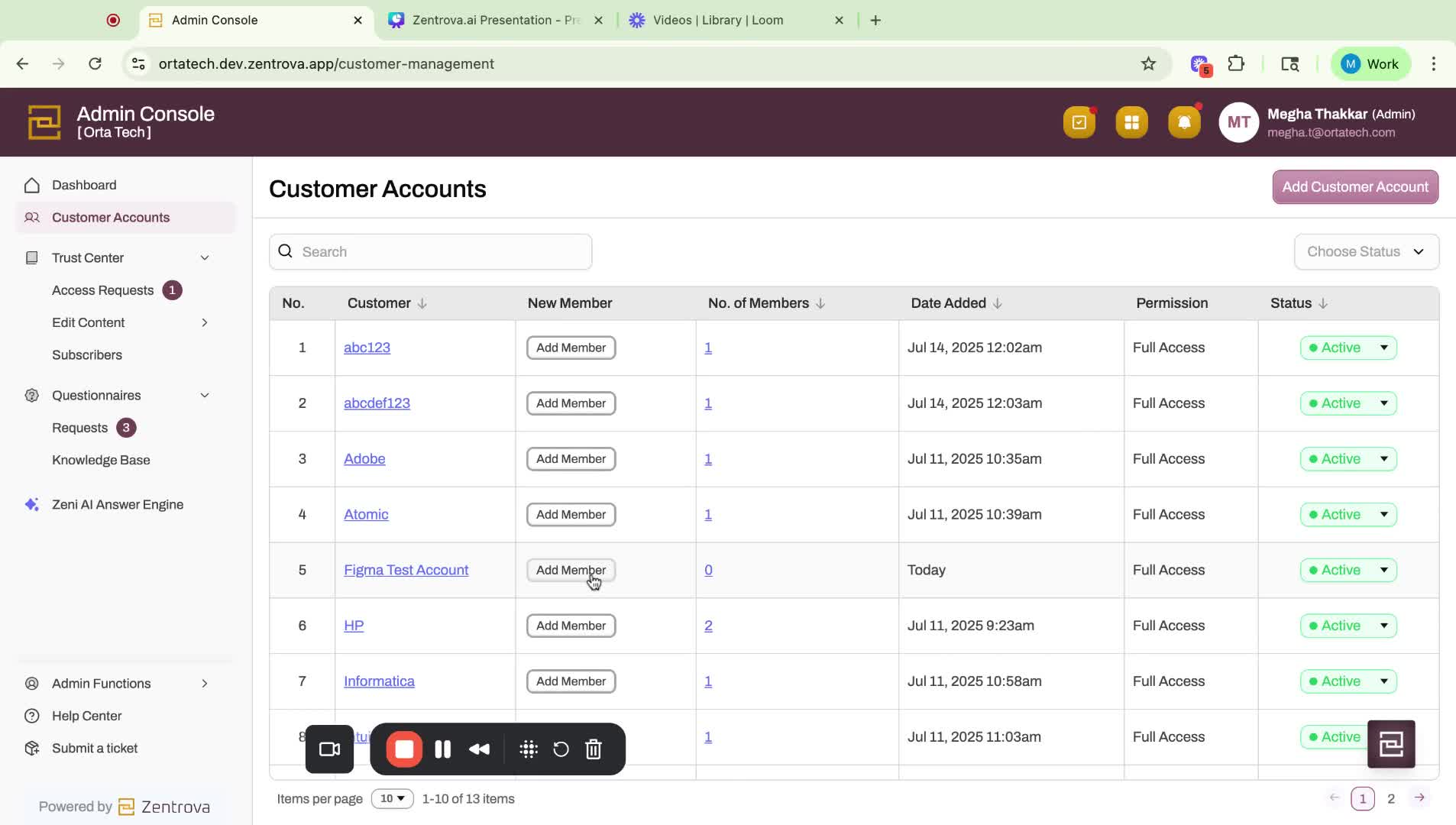
If an error occurs (e.g., domain not authorized), correct the input.
Step 8: Confirm User Addition 2:12
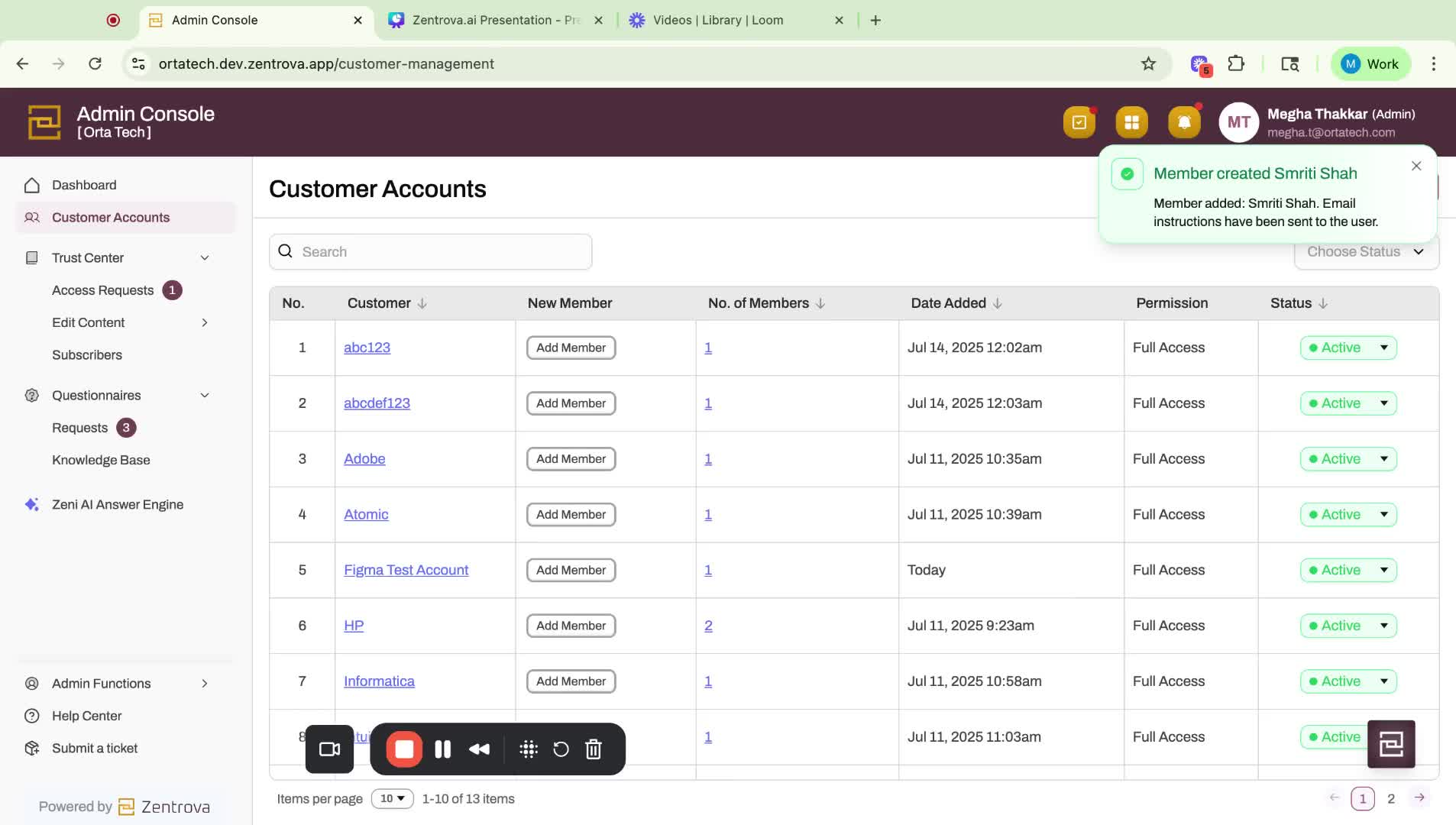
Once added, the user will receive instructions to log in to the Trust Portal.
Step 9: Manage User Status 2:35
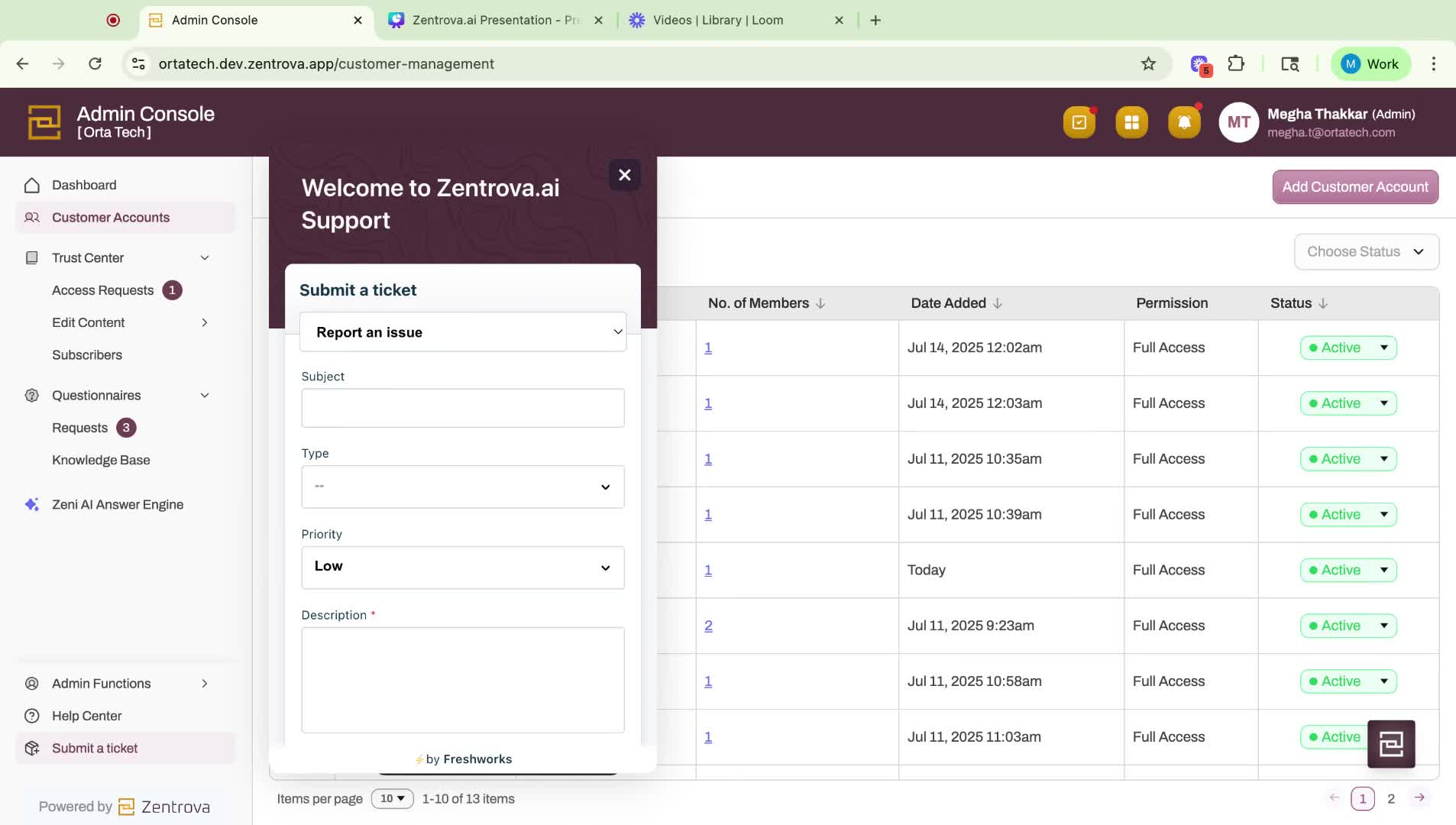
To make any user inactive, submit a ticket for assistance.
Link to Loom
Was this article helpful?
That’s Great!
Thank you for your feedback
Sorry! We couldn't be helpful
Thank you for your feedback
Feedback sent
We appreciate your effort and will try to fix the article